

Picking the wrong intellectual property management tool can cost you thousands in missed renewals and lost documentation. At Osa Property Management, we’ve seen businesses struggle because they didn’t evaluate their options carefully enough.
The right tool should fit your business size, integrate with what you already use, and actually get used by your team. This guide walks you through what matters most when making this decision.
What Features Actually Matter in IP Management Tools
Centralized storage eliminates documentation chaos
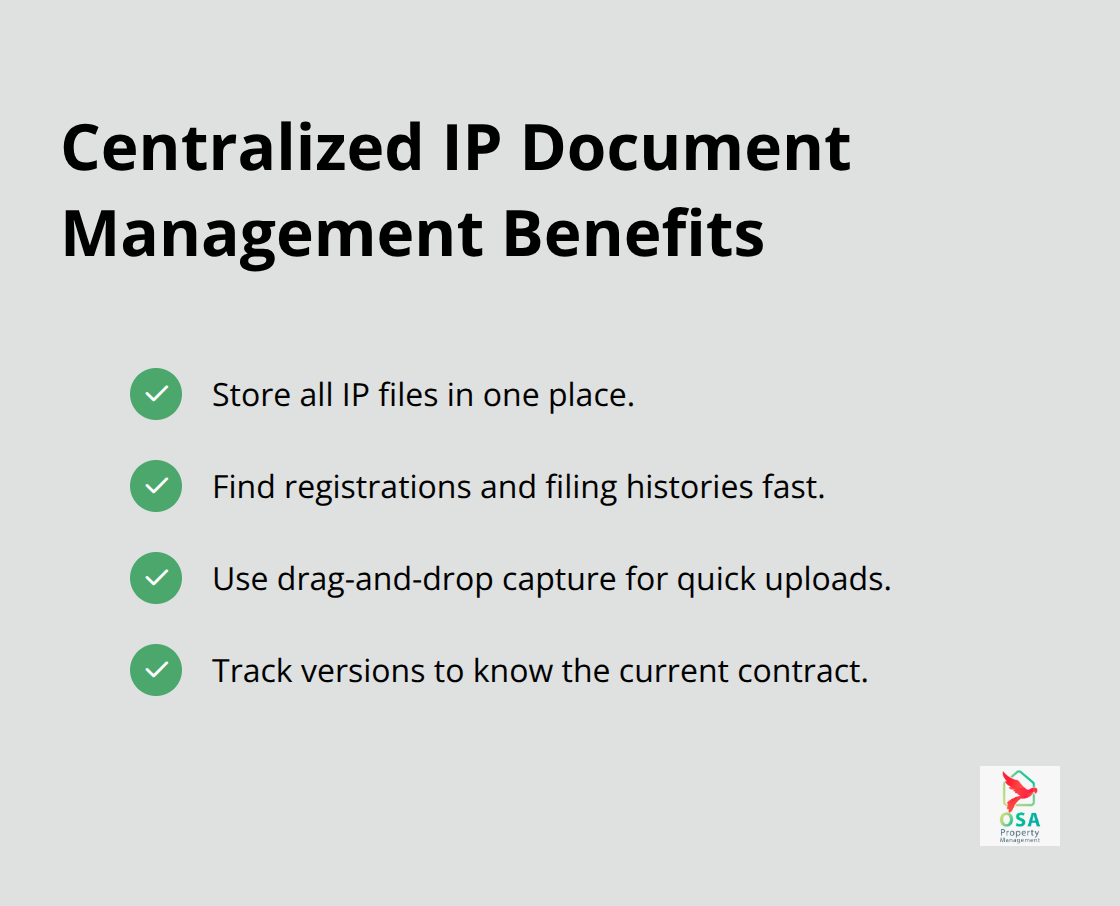
A centralized system that stores all your IP documentation in one place eliminates the chaos of scattered files across email, drives, and local computers. When your patents, trademarks, and renewal dates live in spreadsheets or multiple platforms, you lose track of critical deadlines. Tools like Clio and PatentRenewal.com both offer document storage features that prevent this problem. The real value appears when your team needs to find a specific trademark registration or patent filing history in seconds rather than hours. Look for systems that support drag-and-drop document capture and version control, so you know exactly which version of a contract is current.
Automated reminders stop missed deadlines cold
Missed renewal deadlines cost real money. A single forgotten patent renewal can mean losing protection in a critical market, and trademark renewals typically cost between $225 and $400 per application depending on jurisdiction. PatentRenewal.com includes automated reminders and cost-estimation features that alert your team well before deadlines arrive. The tool tracks renewal costs across hundreds of jurisdictions, so you’re never surprised by fees. Set these reminders for 90 days before renewal dates, not the day before, so your team has time to budget and process payments without rushing. Automation also reduces human error-the most common reason renewal deadlines slip past.
Integration with your existing workflow matters more than you think
Your IP management tool sits useless if it doesn’t connect to the systems your team already uses daily. If your accounting team runs QuickBooks Online and your legal team uses Microsoft 365, your IP tool needs to integrate with both. Clio integrates with QuickBooks Online, Microsoft 365, and Google Workspace, which eliminates manual data entry between platforms. When these systems talk to each other, renewal costs flow directly into accounting, and shared documents stay synchronized across teams. Clarivate’s IPMS solutions include open APIs that connect to your existing infrastructure, preventing the patchwork approach where you manually copy information between tools. Test these integrations before you commit-contact vendors and request a demo that includes your specific software stack.
The features you prioritize depend on your organization’s size and current workflows. Larger enterprises need different capabilities than smaller legal practices, which shapes how you should evaluate your next tool.
Evaluating IP Tools That Actually Scale With Your Business
Match your tool to how your organization operates
Most IP management tools fail not because they lack features, but because they don’t match how your organization actually works. Clio charges $69 per user per month and works well for small legal practices, but enterprises managing hundreds of patents need something different. Clarivate’s IPMS solutions serve over 1,600 customers across different company sizes, which means they built flexibility into their platforms from the start. Test your tool with your actual workflow first. Request a demo that includes your specific software stack-your accounting system, your document repository, your team communication tools. PatentRenewal.com costs less upfront but handles global renewals across hundreds of jurisdictions with automated reminders and cost estimation. The question isn’t which tool costs the least; it’s which tool stops wasting your team’s time on manual data entry.
Calculate the real cost of manual work
A system that integrates with QuickBooks Online and Microsoft 365 saves your accounting team hours every month. That time savings compounds. Over a year, one person spending five hours weekly on manual IP tracking represents over $13,000 in labor costs. Pricing tiers typically run from $10 to $150 per user per month depending on functionality, but comparing on price alone guarantees you’ll pick wrong.
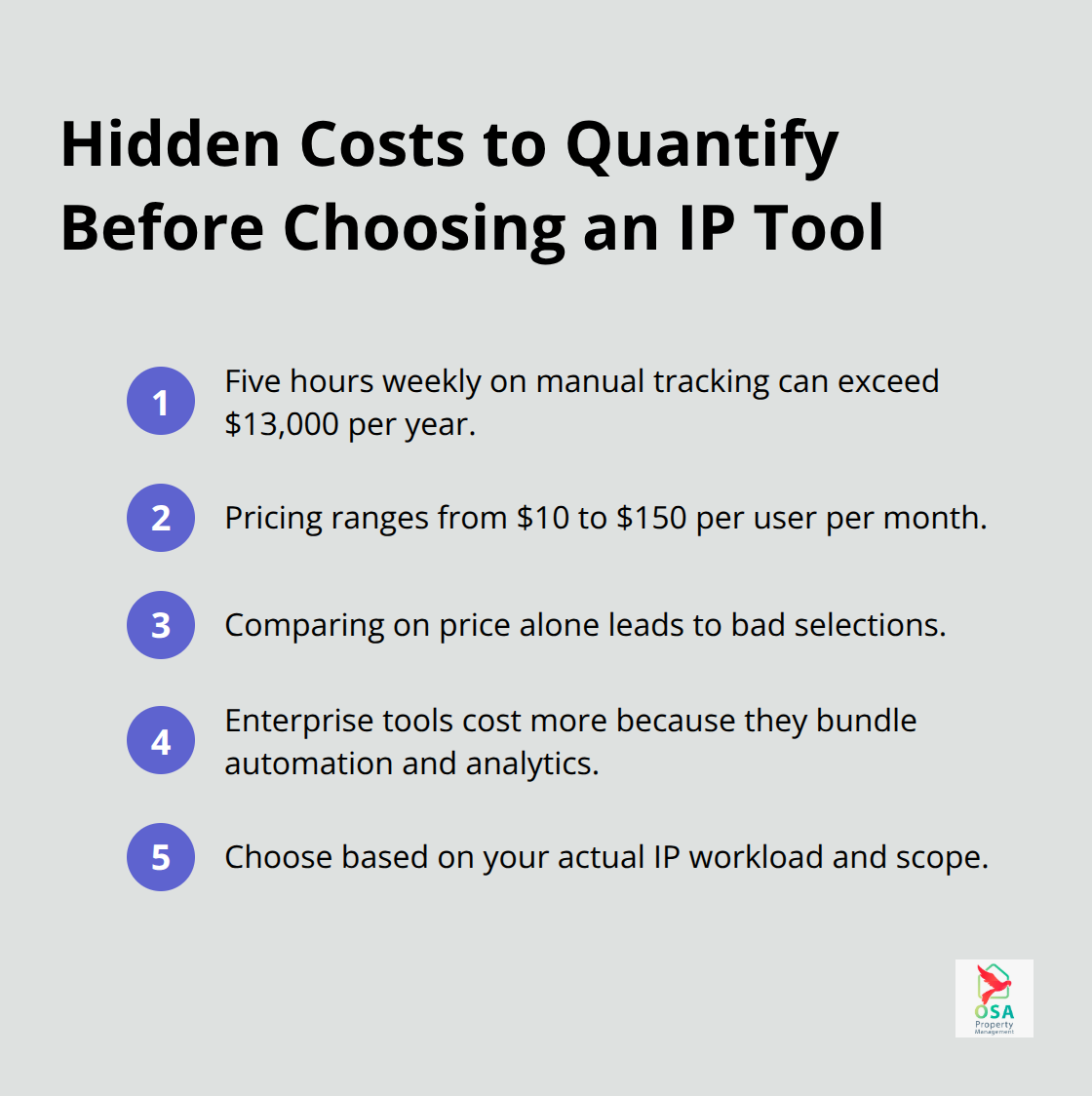
Enterprise solutions like Anaqua and Questel cost more because they handle patent, trademark, and design management together with workflow automation and portfolio analytics. Smaller firms like Alt Legal focus narrowly on trademark docketing and cost less. The right choice depends on what you actually need to manage.
Scale your tool as your IP portfolio grows
If you have five patents and ten trademarks, a specialized tool works fine. If you have fifty patents, international filings, and licensing agreements, you need a platform that grows without requiring a complete system replacement. Clarivate’s scalability across different company sizes makes it suitable for mid-size, large and global corporations managing complex IP portfolios. Look for systems with customizable rules libraries that cover your jurisdictions, bulk editing capabilities for managing large portfolios, and dashboards that give you portfolio visibility at a glance (these features prevent the need for costly migrations later).
Prioritize structured implementation and support
Implementation matters tremendously. Tools with dedicated onboarding support, training resources, and clear project timelines get adopted faster. A tool that requires months of customization costs hidden money in staff time. Anaqua and Inteum both offer structured implementation plans, which means your team spends less time figuring out how to use the system and more time protecting your IP. Your vendor should assign a dedicated project manager and provide training resources like tutorials, product tours, and webinars. When your team actually uses the tool, it delivers value.
The features you prioritize and the vendor you select shape how effectively your organization protects its intellectual property. Your next decision involves identifying which mistakes most companies make when they rush through this selection process.
Common Mistakes When Selecting IP Management Tools
Price alone destroys selection decisions
Pricing alone destroys tool selection decisions more than any other factor. Companies see that Alt Legal costs $200 per month while Anaqua runs $150 per user monthly and assume Alt Legal wins. This math ignores what each tool actually does. Alt Legal handles trademark docketing only. Anaqua manages patents, trademarks, designs, and licensing agreements with workflow automation and portfolio analytics. Choosing Alt Legal for a company with 40 patents and international filings means buying a second system later, paying migration costs, retraining your team, and losing months of productivity during the switch.
The enterprise solutions cost more upfront because they eliminate the need for tool-switching as your IP portfolio grows. Questel and Inteum charge more than basic systems because they include collaboration tools, customizable reporting, and real-time pipeline visibility that actually prevent missed deadlines and duplicate work. Your accounting team wastes five hours weekly manually entering renewal costs from a cheap tool into QuickBooks, which costs roughly $13,000 annually in labor. A tool that integrates with your accounting system eliminates that waste entirely.
Evaluate total cost of ownership, not just monthly subscription fees. Add up the hours your team spends on manual work, the cost of missed deadlines, and the friction of switching systems later. The cheaper tool almost always costs more in the end.
Skipping trials leads to expensive failures
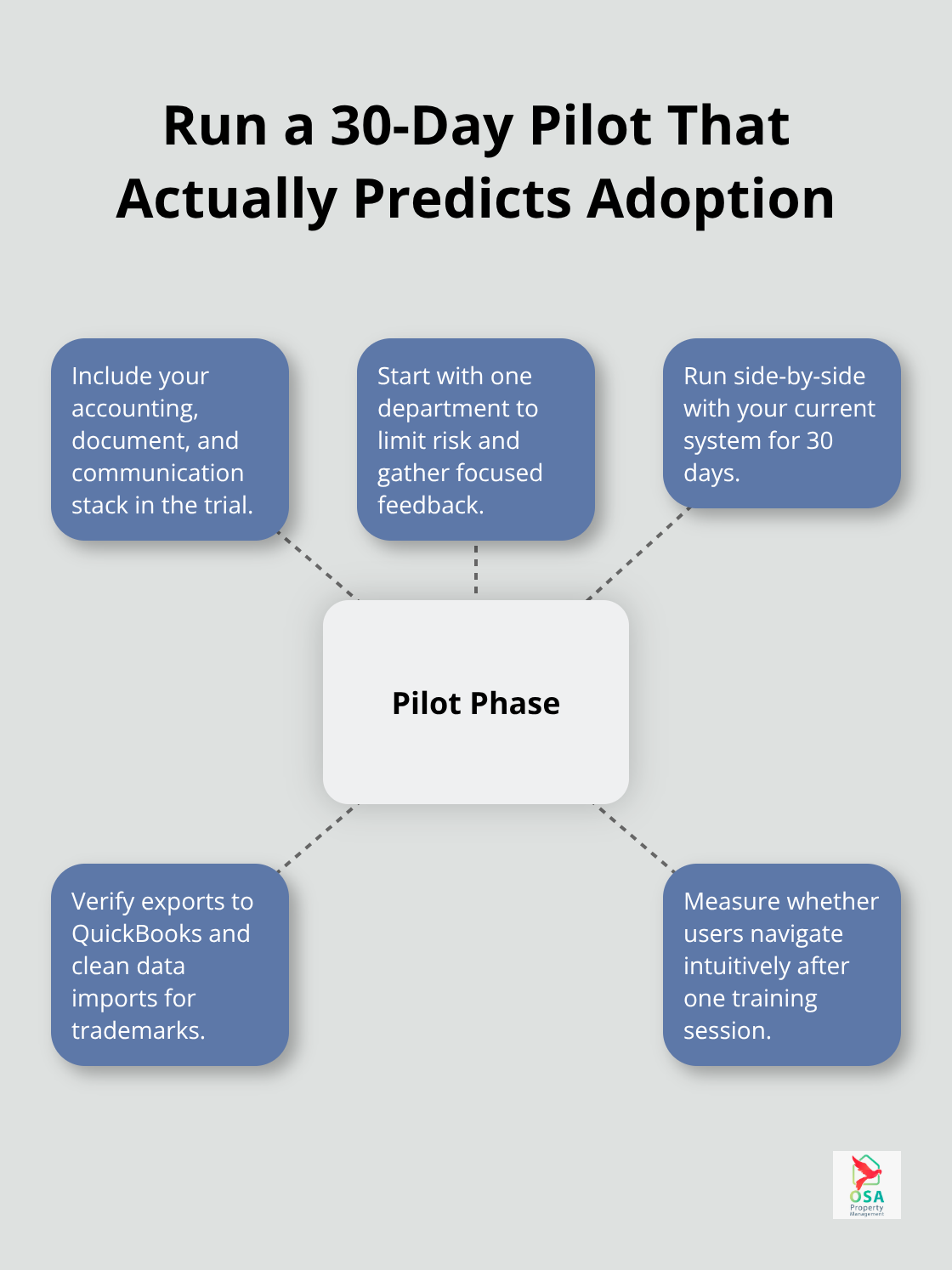
Vendors offer demos and free trials specifically so you can run your actual workflow through their system before committing. Request a trial that includes your specific software stack-your accounting platform, your document repository, your team communication tools. PatentRenewal.com provides free demos, and Clio offers a 7-day free trial. Use these tests to answer hard questions: Can your accounting team actually export renewal costs to QuickBooks without manual work? Do your trademark registrations import cleanly, or do you spend hours reformatting data? Does the user interface confuse your team, or can they navigate it intuitively after one training session?
Companies that skip testing and go live with a new system company-wide discover integration problems weeks later when renewal deadlines approach. Your team stops using a tool that wastes their time, and you’ve already paid for implementation. Pilot the tool with one department first-maybe your legal team or your trademark management group. Run it alongside your current system for 30 days. Watch whether your team actually uses it without resistance. If adoption is poor during the pilot, the tool won’t work at scale.
If it works well, you can confidently expand to other departments. This approach costs nothing and prevents selecting a tool that looks good in a demo but fails in practice.
Integration gaps create hidden costs
Integration capabilities with your current workflows matter deeply. Your IP tool sits useless if it doesn’t connect to the systems your team already uses daily. If your accounting team runs QuickBooks Online and your legal team uses Microsoft 365, your IP tool needs to integrate with both. When these systems talk to each other, renewal costs flow directly into accounting, and shared documents stay synchronized across teams.
Test these integrations before you commit. Contact vendors and request a demo that includes your specific software stack. Ask whether the tool can export data to your accounting system automatically or whether your team must manually copy information between platforms. A tool with open APIs prevents the patchwork approach where you waste time on manual data entry. This single factor determines whether your team actually adopts the system or abandons it for spreadsheets.
Final Thoughts
Selecting the right intellectual property management tool requires matching your organization’s actual needs to what vendors offer, not chasing the lowest price or the most features. The three mistakes we covered-prioritizing cost alone, skipping trials, and ignoring integration gaps-account for most failed implementations. Test these factors during a pilot phase before committing company-wide by requesting demos that include your specific software stack and running the tool alongside your current system for 30 days with one department.
The implementation phase determines whether you get value from your investment. Vendors that assign dedicated project managers, provide structured training, and offer ongoing support see faster adoption and better outcomes. Your team needs clear timelines, accessible training resources, and someone to answer questions when confusion arises, so implementation that stretches for months wastes staff time and delays the benefits you’re paying for.
If your organization manages properties alongside intellectual property, you understand how critical reliable systems are. We at Osa Property Management apply the same principle to property management in Costa Rica, and with over 19 years of experience across areas like Tarcoles, Jaco, Dominical, Manuel Antonio, Ojochal and Uvita, we’ve learned that systems and processes matter (our team handles everything from marketing and renter relationships to accounting, tax compliance, and maintenance oversight). Visit Osa Property Management to see how structured systems deliver peace of mind, then schedule vendor demos with your team present and ask hard questions about integration, scalability, and support before rolling out your intellectual property management tool company-wide.